

Your people. Our everyday priority.

Less IT friction.
More working
together.

IT support, cybersecurity and cloud backup for growing teams. One partner who knows your people, your systems and what needs to happen next.

Built for25–250 peopleOffice, hybrid
& distributed teams
THE CONNECTED WORKDAY01 / WORKPLACE
Silver laptop, desktop monitor and security key: a connected employee workspace. Ready for the next new starter
A better first day

Set up the whole workday.

0/3

Device, access and backup each need an owner. Try the three preparation steps.

IT, in real lifeA normal Tuesday.
A connected support team.
Explore the service desk
09:15 NEW STARTER

Ready before day one.

Laptop preparation, approved accounts and a named handover.

People + IT
11:40 SUPPORT REQUEST

The next action is clear.

An owner, a priority and a useful update for every request.

Service desk
15:00 RECOVERY CHECK

A backup you can discuss.

Agreed systems, recovery priorities and a documented test.

Business continuity

02 / A closer look at security

The right access.
For the right people.

A finance team, a design team and a visitor have different needs. Clear access boundaries help you manage those differences.

Explore an access policy
EXAMPLE POLICY

Access follows the role.

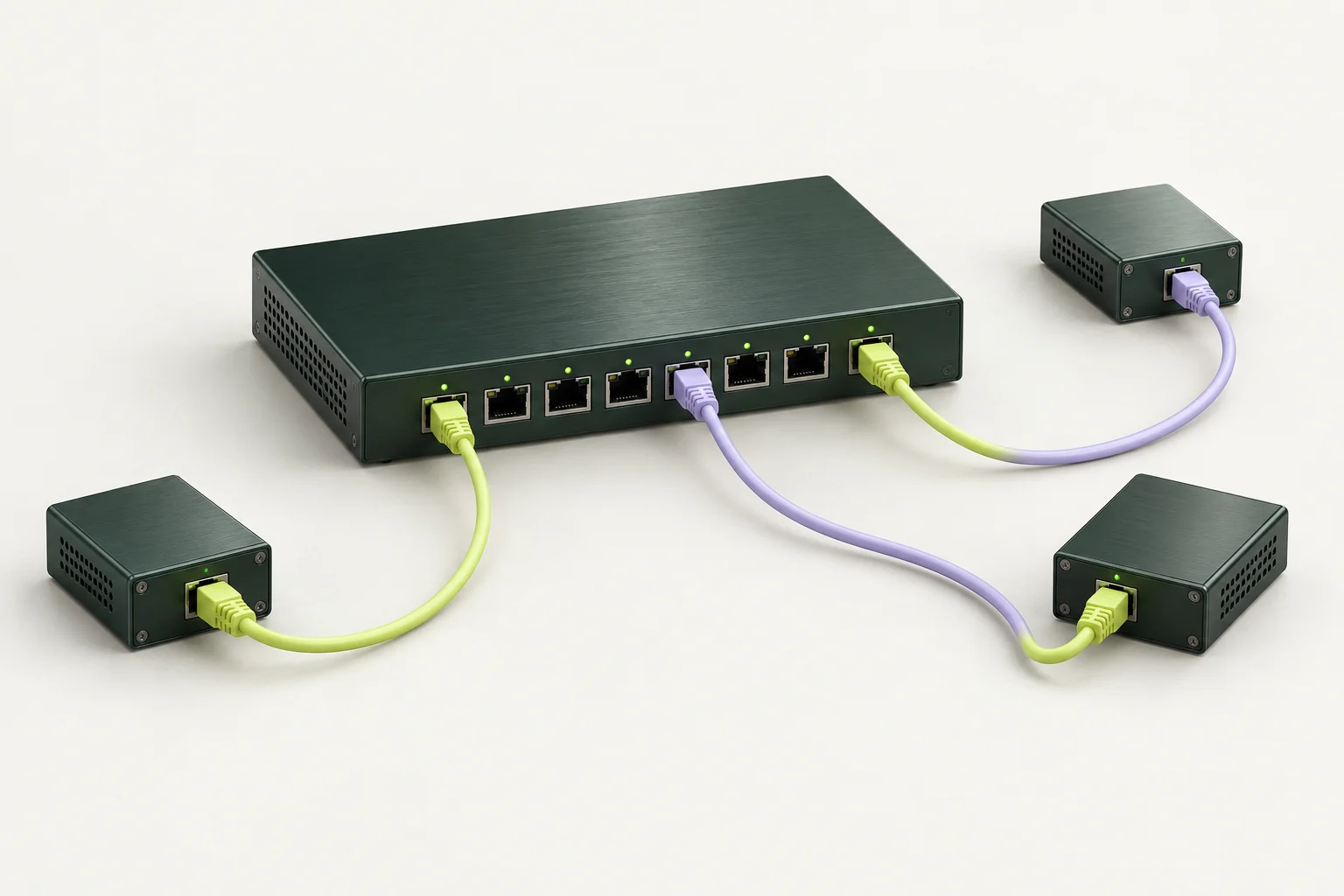
A role connects people to approved applications. See how the permitted routes change.

Finance: finance tools and shared documents.

Brushed metal network gateway with distinct lime and lavender cable routes.
Coloured: approved Muted: restricted

Conceptual policy illustration. Your actual permissions follow an approved access review.

See the security service

A business you might recognise

PROFESSIONAL SERVICES / HYBRID WORK
IT engineer and operations lead planning an employee handover together.
People first. Systems connected.

Inside Northline Design

64 people.
One office.
Too many IT loose ends.

New starters depended on whoever had time. Device records lived in different spreadsheets. Backup ownership wasn't clear.

THE ENGAGEMENT

A shared device register. An agreed onboarding checklist. A service desk with named owners. A recovery plan the operations lead can explain.
Walk through the client story Illustrative engagement · See scope and responsibilities
PeopleA consistent path from new starter to supported employee.
OperationsOne view of devices, requests and upcoming changes.
LeadershipA practical review of priorities, owners and decisions.

03 / Make recovery tangible

Backed up is a start.
Getting back to work
is the goal.

A backup plan needs more than a green tick. Agree which data matters, how much change you can lose and who checks that a restore works.

  • Define the important systems
  • Agree the recovery priorities
  • Test and document the process
Plan your recovery requirements
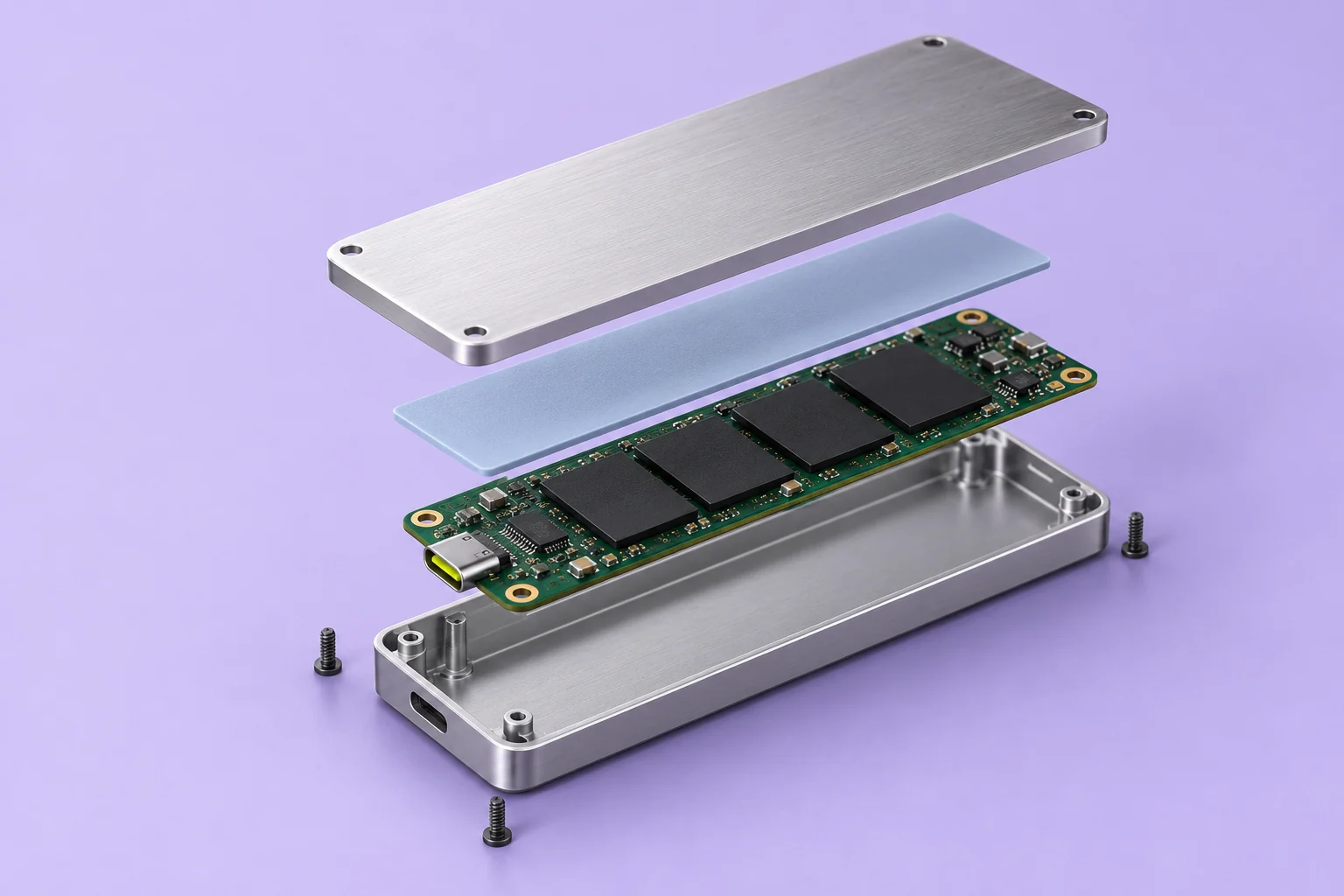
Exploded solid-state drive with aluminum casing, thermal pad and detailed circuit board.THE DATA IS ONLY PART OF THE PLAN.
AssembledExploded

A restore starts with a point in time.

Each sample snapshot contains the data captured at that time. Later changes would need a newer copy.

Local walkthrough only. No real files or backup systems connected.

Start with the scope, not the buzzwords

The right support.
A clear working agreement.

Choose a starting point. We map your setup and agree the actual services, hours, tools and responsibilities before work begins.

Compare starting points for a Relay engagement
Your starting pointDay-to-day ITSecurity operationsCloud & continuity
Usually forA team that needs consistent IT supportA business needing clearer security ownershipA team reviewing backup and recovery readiness
We scope togetherService desk, devices, accounts and onboardingEndpoint and identity monitoring, escalation and response rolesCloud administration, backup oversight and restore exercises
You bringHeadcount, locations and current support arrangementsCurrent tools, access owners and security prioritiesImportant systems, data owners and business priorities
Start the conversation

No one-size-fits-all package. Licences, after-hours coverage, onsite visits and project work are agreed explicitly.

A considered handover

Change the support.
Keep your team moving.

See how we work
  1. 01

    Understand

    People, systems, suppliers and the things that keep getting in the way.

  2. 02

    Agree

    Service boundaries, ownership, support hours and escalation paths.

  3. 03

    Connect

    Approved access, documented handover and a clear welcome for your team.

  4. 04

    Improve

    Regular reviews of recurring issues, changes and the next priorities.

Before we talk

Good questions.
Clear starting answers.

Can you work alongside our internal IT person?

Yes. A co-managed scope can put Relay alongside your internal owner. We agree who handles the service desk, administration, security escalation and projects, then document the handoffs.

Do we have to replace all our existing tools?

Start with an inventory and a review of what already works. Tool changes depend on supportability, risk, licensing and the agreed service. Replacement is not the default starting point.

What is included in an IT review?

A first discussion covers people, locations, devices, key applications, current support and business priorities. A technical assessment, access to systems and a written project scope are agreed separately.

Can you promise a specific recovery time?

Recovery objectives depend on the systems, backup design and tested process. We help define and validate a suitable plan; the website does not provide a recovery guarantee.

Start with your workday

What would better IT
look like for your team?

Bring the recurring issues, the next hire or the next office.
We'll help you turn them into a clear starting brief.

Let's map it out
Plan my IT review

A practical first conversation

Let's understand your IT.

Frontend preview. Use example details; nothing is sent or saved.

Relay Guide

Find your next step in IT

AI feature preview · Prepared responses, no live AI

Tell me what you're trying to improve: everyday IT, new starters, security ownership or recovery planning. I'll point you to the right service and starting questions.

Use general examples. Never share passwords, account details or sensitive incident information.